

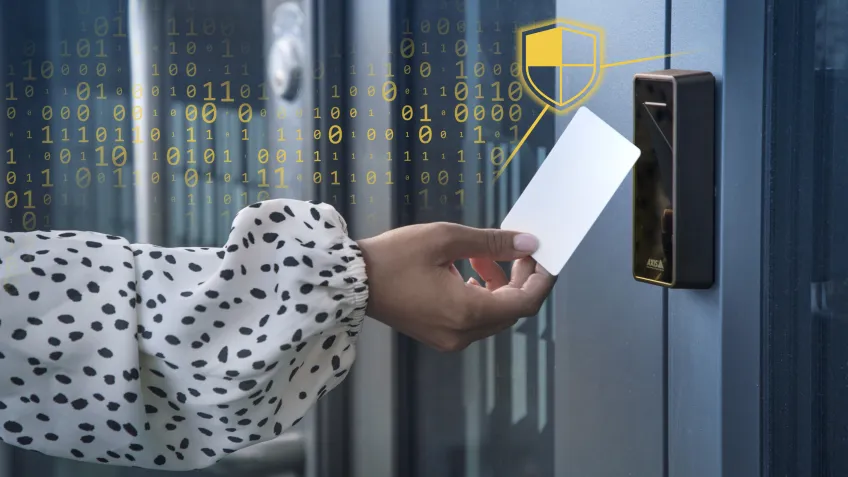
Think about the last time you handed your access card to a colleague, just this once. It may seem harmless, but it is exactly the kind of gap that biometric access control is designed to close.
In this guide, we look at how the technology works, the different system types available, the benefits they offer, and the risks to consider before deployment.
What is biometric access control?
Biometric access control verifies identity using a physical trait, most commonly a fingerprint or a facial scan. A card can be passed through a door. A biometric trait cannot.
In practice, every biometric system performs three tasks. A sensor captures the trait, the data is converted into an encrypted template, and when someone requests access, a fresh scan is compared with the stored template. If it matches, the door opens. The entire sequence takes about a second or two.
How biometric access control system works
The process behind each step can be complex, but the logic is simple: verify identity, confirm permission, and grant access, whether you are at a small office door or at an airport gate.
Capture the biometric characteristic
Enrollment is the first time the system meets you. A sensor scans your fingerprint or captures your face, and that raw scan becomes the reference point for every future visit. The process can take several steps to complete, a bit like setting up Face ID on a new phone, but getting it right upfront saves a lot of headaches later.
Create a biometric template
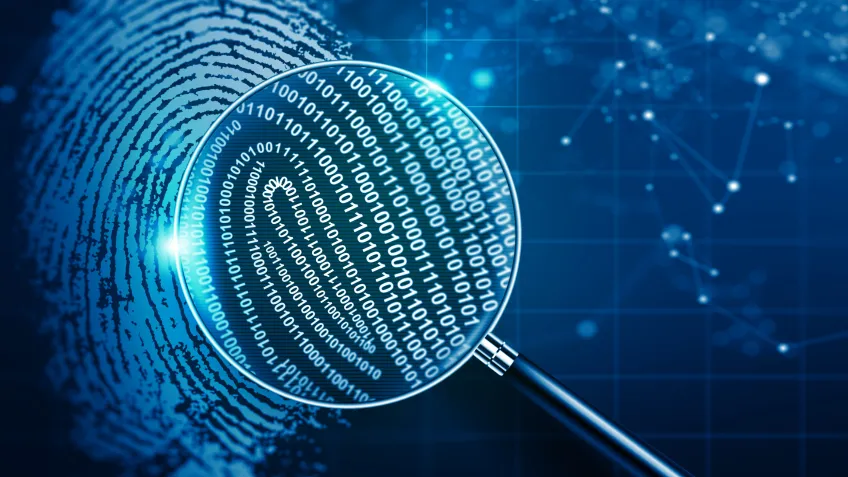
The raw scan is not stored as an image. Instead, the system converts it into a string of numbers that represents the unique features of your trait. This encrypted template is what is saved, not your actual fingerprint or face.
Compare the live data with the template
When you arrive at the door, the system captures a new scan and compares it with the stored template. If they are a clear match, you gain access. If not, the door remains locked.
What are the main types of biometric access control systems?
There are several types of biometric access control systems on the market. Each has its strengths and weaknesses depending on where you plan to use it. The most common are fingerprints, facials, iris, and voice.
Fingerprint recognition
Fingerprints sound simple until you try using them in the real world. Dirt, moisture and worn fingertips quickly expose the limits of even good scanners. Most systems handle this with a fallback option, usually a PIN, so a failed read does not mean a locked-out employee.
Even so, fingerprint recognition remains one of the most established biometric technologies on the market.
The hardware is relatively inexpensive, users already understand how it works, and deployment is straightforward compared to more advanced biometric systems.
At the same time, expectations around convenience have changed. Physical contact became a greater concern during the pandemic, and many organizations started looking at touchless alternatives such as facial recognition.
Facial recognition
Facial recognition has improved faster than almost any other biometric technology over the past five years.
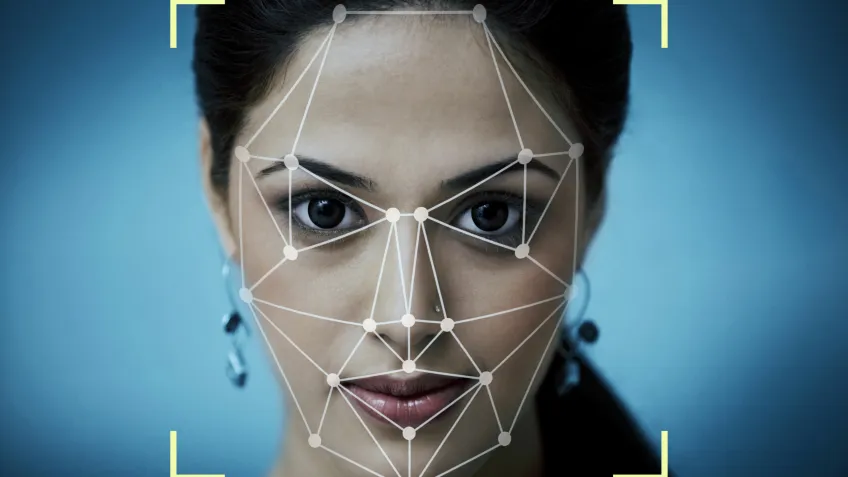
The underlying AI is now accurate enough to handle glasses, varying lighting conditions and, to a reasonable extent, face masks. A camera captures the face and maps dozens of unique reference points as the person walks through.
It is the obvious choice for high-density areas, where stopping to scan a finger would create a queue. Each person is still verified individually, but the process feels passive enough that most users barely notice the authentication step after a few days.
Iris scanning
The iris is arguably the most stable biometric trait a person has. The pattern is more unique than a fingerprint and changes little over a lifetime, making iris recognition exceptionally accurate. Banks, data centers, and government facilities use it precisely because the error rate is so low.
But the hardware is expensive, and users have to position themselves carefully in front of the scanner.
Voice recognition
Voice recognition is surprisingly rare in physical access control. Background noise, poor-quality microphones, and spoofing risks still make it unreliable in most building environments.
Spoofing, where someone uses a recording of an authorized user’s voice to fool the system, is a real concern that is difficult to guard against. Voice recognition therefore works as a secondary factor, not a primary one.
Other emerging techniques
A few newer modalities are beginning to appear in commercial products. Palm vein recognition is perhaps the most interesting of them. It reads the vein pattern beneath your skin using infrared light and is genuinely difficult to spoof.

Gait analysis, which identifies people by how they walk, is increasingly being used in surveillance contexts.
DNA-based access exists in research settings but is nowhere near practical for everyday use.
What are the key benefits of biometric access control?
The security case for biometric access control is easy to make. The business case often surprises people.
Reduce fraud and simplify workflows
A biometric trait cannot be shared or handed to someone to cover your shift. That closes off an entire category of failures that card-based systems have quietly tolerated for decades.
One concrete example is buddy punching, where one employee clocks in on behalf of another. It is more common than most organizations want to admit, and it is exactly the kind of gap that biometric verification closes by default.
Beyond security, the same data that stops fraud also feeds directly into HR and payroll workflows, removing the need for manual timekeeping and reducing administrative overhead.
Increase convenience and efficiency
There is also a convenience factor that people notice almost immediately. No forgotten cards or badge replacements.
No queues caused by someone digging through a bag at the entrance. For a busy office or a building with hundreds of daily entries, this saves real time.
Provide accurate audit trails
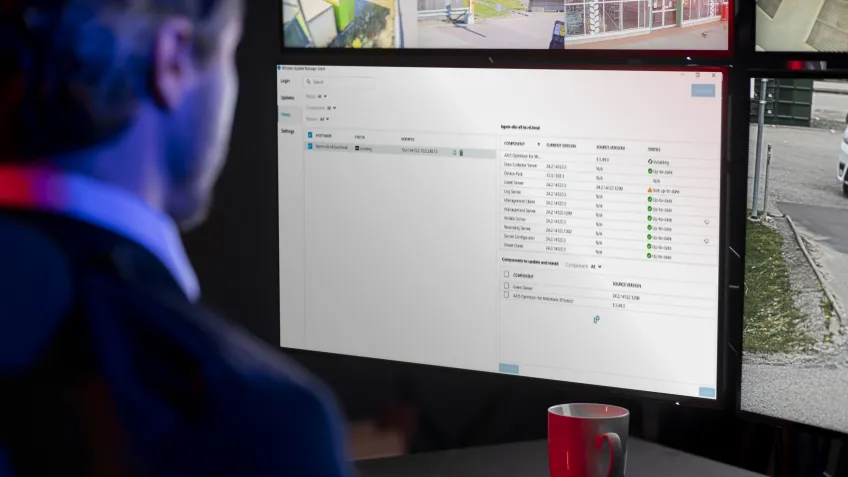
Every access event is linked to a verified identity, not a card. In areas where a PIN or biometric is required alongside a credential, the log does not just record which card was used. It records who authenticated. If someone enters the server room at 2 AM, you know exactly who it was.
This matters in regulated industries such as healthcare and finance, where you may need to demonstrate compliance during an audit.
Generate a higher return on investment
The upfront cost is real. Biometric hardware costs more than card readers, and that is before installation and enrollment. But the ongoing savings tend to catch up faster than most people expect.
With biometric authentication, there is no need to issue or manage physical credentials. No card printers, no badge inventory. The savings are rarely dramatic overnight, but they become noticeable over a few years.
When personnel changes occur, access is updated centrally in seconds. No physical keys to collect, no locks to change. Over time, these small administrative tasks add up to a meaningful reduction in both cost and effort.
In the longer term, the savings are even greater. Traditional card-based systems require ongoing maintenance of readers, encoders, and credential stock. All of which have limited warranties and incur replacement costs over time.
Biometric systems use the person as the credential, removing an entire layer of hardware from the equation. And because most systems scale without significant hardware changes, the cost per user tends to drop as the organization grows.
What are the risks and challenges of biometrics?
Every technology has a catch. With biometrics, the main ones are privacy and cost. Neither is a reason to avoid biometrics altogether, but both need to be addressed early.
Address privacy and data protection concerns
Biometric data is sensitive personal data under the GDPR and most other privacy frameworks. Users reasonably want to know what happens to their fingerprint or face scan once it leaves the reader.
In many deployments, user resistance stems less from the technology itself and more from how poorly the process is explained.
The short answer is that good systems never store the raw scan. What gets saved is an encrypted mathematical template that cannot be reverse-engineered to recover the original.
Where data is stored depends on the size and structure of the organization. Smaller sites often keep templates on local devices, while larger deployments typically rely on centralized or distributed server infrastructures.
Either way, the principles are the same: encrypt everything, limit who has access, and be transparent with users about what you collect and why.
Consider the implementation and system costs
The initial cost of biometric hardware is higher than card readers, and integrating with your existing access control platform takes time. Larger sites also need to budget for enrollment. Every user has to be registered before the system works for them, which is true of any access deployment but worth factoring in when scoping a biometric rollout.
Start with the doors that matter most. A server room or pharmacy storage area is usually a better starting point than rolling it out across an entire building on day one.
Mitigate system accuracy and error rates
No biometric system is perfect, and two numbers tell you how imperfect it is.
The False Acceptance Rate (FAR) measures how often the wrong person gets in. A FAR of 0.1% means one in every thousand unauthorized attempts is incorrectly approved.
The False Rejection Rate (FRR) measures how often the right person gets locked out. An FRR of 0.02% means one in 5,000 legitimate users is turned away. The two trade off against each other. Tighten one, and the other tends to loosen.
The way to manage this is straightforward. Choose a system with published accuracy figures, test it in your actual environment before full deployment, and add a PIN or card as a second factor in areas where an error would matter most.
How to choose the right biometric system for your needs
Assess your security requirements
Match the modality to the risk level. A staff entrance to a coworking space has different requirements than a server room or a pharmaceutical storage area.
For low- to medium-risk areas, fingerprint or facial recognition will suffice. For high-security zones, iris scanning or multi-factor authentication makes more sense.
Not every door needs the same level of protection. A layered approach is usually more practical than deploying a single solution across an entire building.
Evaluate the physical environment
This is where many deployments run into trouble. Fingerprint sensors struggle with dirt and moisture, making them a poor fit for industrial sites or outdoor installations.
Facial recognition requires adequate lighting unless the camera has solid infrared support. Iris scanners work well indoors but perform poorly in direct sunlight.
Walk the site before you choose anything. Better yet, test the hardware under the actual conditions where it will be used. A reader that performs perfectly in a demo room can behave very differently at a loading dock in November.
Consider the user population
How many people will use the system, and how often? Temporary users, such as contractors and visitors, need either a quick enrollment process or a fallback credential.
This question is easy to overlook until it becomes a problem on day one. Accessibility matters too. Fingerprints, in particular, can degrade over time for people doing manual work.
Plan for system integration and scalability
Integration problems rarely surface during the demo. They appear six months later, when you try to add a second site or connect the system to an older access control platform. That is why integration questions matter more than most buyers initially realize.
Conclusion
Biometric access control simplifies workflows and keeps clear records of who went where, using something everyone already has. The technology has matured to the point where it is a serious option for almost any commercial site, not just high-security facilities.
The risks are real, but they are manageable with good planning and a vendor that takes data protection seriously.
As mentioned earlier, the right system for you depends on what you are protecting and how it fits with the rest of your security setup. Most failures occur long before the system goes live, often during planning, enrollment or integration.
FAQs
Got more questions? Here are answers to some of the frequently asked questions about biometric access control.
Is biometric access control completely secure?
No. Biometrics raises the bar significantly, but no access control system is impossible to bypass. Multi-factor authentication, where biometrics is combined with a card or PIN, adds an extra layer that is much harder to defeat.
Even if someone manages to spoof a fingerprint, they still need the second factor to get through. For high-security areas, this combination is widely considered best practice.
Can biometric data be stolen and reused?
Modern systems don’t store raw fingerprints or facial data. Instead, they store encrypted biometric templates, reducing the risk of data reuse if a database is breached.
What happens if the system fails?
Every well-designed biometric system includes a fallback. This is usually a card, a PIN, or a manual override managed by security staff.
A power cut or network outage should never leave people locked in or locked out. That sounds obvious, but it is one of the first things security teams ask about during deployment planning.
Any vendor worth choosing will have a clear answer on how that is handled before you sign anything.
How much does a biometric access control system cost?
Costs vary widely. The best approach is to define your requirements first, then request quotes for a scoped pilot rather than a full deployment.
Can police request biometric data from a private system?
In most jurisdictions, yes, through legal processes such as subpoenas or warrants. The details vary significantly by country and region, so seek legal advice before deployment if this is a concern for your organization.
What are the biometric privacy regulations?
Biometric data is regulated by broad privacy laws such as the GDPR in Europe and the CCPA in California.
More specific laws also apply in some regions, such as Illinois's BIPA in the US. These rules cover consent and data retention. As regulations differ by region, seek legal advice for the specific markets where your system will operate.
