

The SD card currently sat in your security camera may be one of the most important yet often overlooked components in your security system. You might think it's enough to place a card in the camera and leave it to record.
But many standard cards aren’t built for the constant recording and rewriting that surveillance requires. In fact, the wrong type of SD card may not provide enough performance for your camera’s resolution, frame rate, and recording schedule
So getting the card right can make the difference between having high-quality footage, recorded consistently, and to schedule, and having a worn-out card, unusable footage, or in extreme cases, no footage at all.
In this blog, we want to highlight the importance of getting the right card for the job, and why your security camera needs a better SD card.
What is edge storage?
Edge storage means saving data close to where it is created, such as recording security-camera video directly to an SD card inside the camera. The camera can record continuously, on a schedule, or when a predefined trigger occurs, and may overwrite the oldest footage when the card is full.
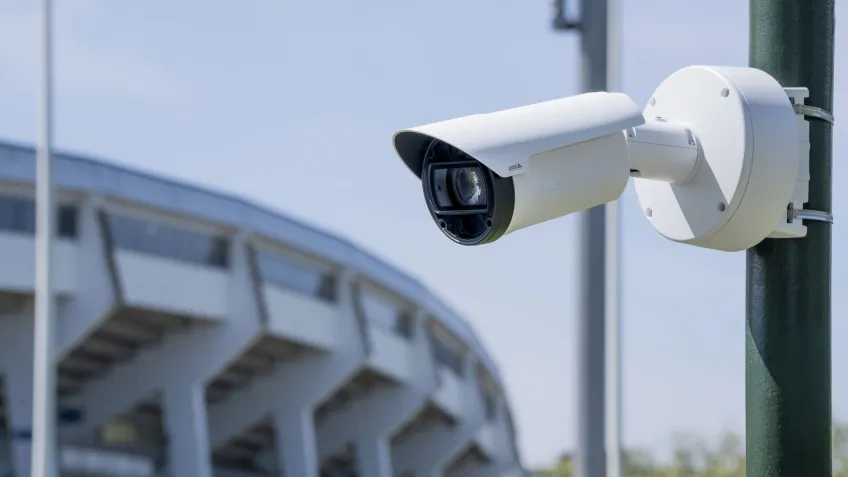
Local recording saves video directly to an SD card in the camera, so it can usually continue even if the network connection is interrupted. Because footage is stored at the camera, less video needs to be continuously sent to a server, which can reduce bandwidth use. Cloud storage, by contrast, sends recordings over the network to remote data centers, where they can be stored and accessed centrally.
Choose an SD card supported by the camera and designed for sustained video writing, and consider performance, write endurance, card health, and security. An SD card provides local onboard storage, but it is not a backup, so important footage may also need to be copied to a central recorder or other storage.
Standard vs surveillance-optimized SD cards for security cameras
The idea that all SD cards are alike is outdated. Surveillance cameras place different demands on storage than everyday consumer devices. They may write video continuously, around the clock, and repeatedly overwrite footage as the card fills. Consumer-grade cards are generally designed for lighter or more varied use, so they will wear out sooner or prove less reliable under sustained recording.
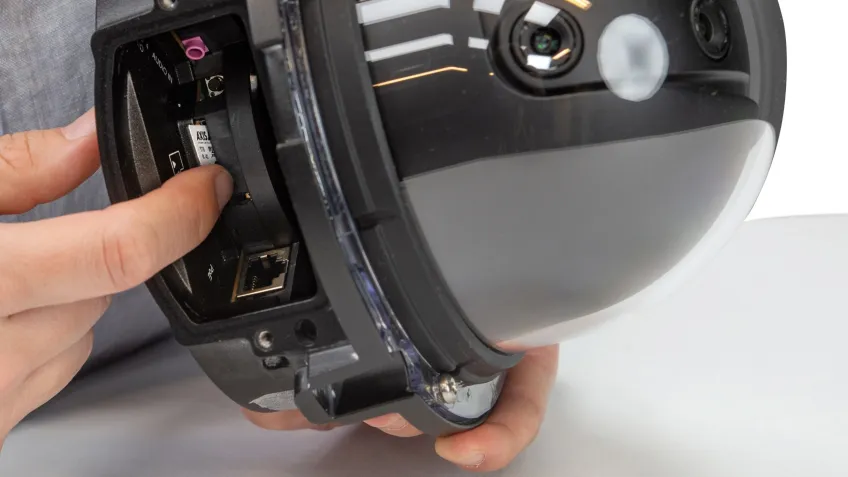
Surveillance-optimized SD cards are built for this workload, with higher write endurance and components designed to support continuous recording over time. Depending on the card and camera, they may also offer features such as health monitoring to help identify wear, and encryption to protect stored footage. These capabilities matter as surveillance systems become more powerful and rely increasingly on storage at the edge of the network.
As the traditional camera-to-server model evolves, edge storage is playing a growing role in surveillance systems. Choosing a card designed for surveillance can help to make better use of camera-based recording and other edge capabilities.
Treating SD cards as interchangeable risks premature card wear, recording interruptions, or missed opportunities to use the system’s features. The right card should be selected based on the camera manufacturer’s recommendations and the demands of the intended recording setup.
5 common myths about edge storage and SD cards for security cameras
Debunk myth #1: Edge storage is only for backup
Edge storage can improve reliability by keeping recordings available if a network or server fails, but its role goes beyond redundancy. Today, SD cards can also serve as primary storage, supporting camera-based recording and the operation of more advanced edge solutions.
For example, a radar connected to a camera near a school can use local storage to save traffic statistics, such as vehicle counts, speeds, and direction of travel in addition to the video. In this case, the SD card stores data essential to the system’s core function.
As edge devices capture and process a richer range of data, including metadata, storage at the edge has evolved to support these increasingly capable solutions. The right SD card can therefore help enable both reliable recording and the everyday operation of a surveillance system.
Debunk myth #2: SD cards don’t last as long as hard drives
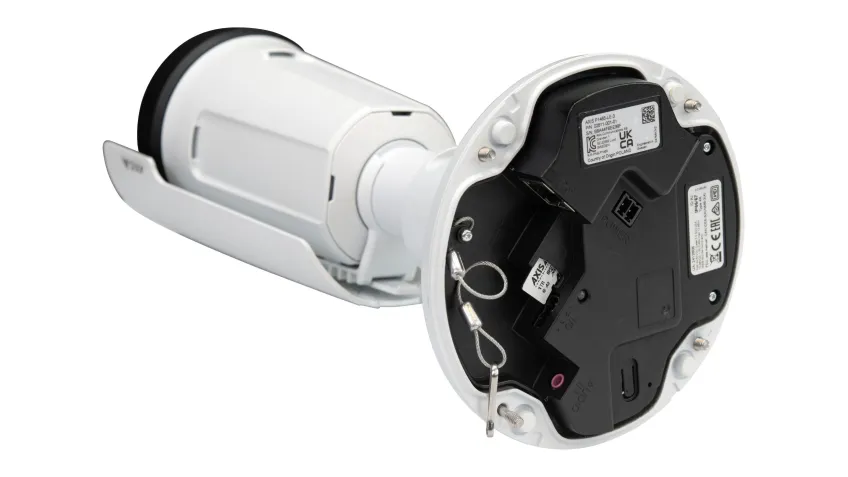
It’s true that a standard, consumer-grade SD card may wear out sooner than a standard hard drive or recorder system, especially under continuous video recording. But surveillance-optimized, high-endurance SD cards for security cameras are designed to withstand sustained writing and repeated overwriting, making them a more durable option for edge storage.
The card’s actual lifespan depends on factors such as its endurance rating, recording bitrate, workload, and capacity. With the right card size and recording settings for the required retention time, a high-endurance card may last for many years. Check the camera manufacturer’s recommendations and monitor card health where supported, as no card lifespan is guaranteed.
Debunk myth #3: Edge storage can’t handle high-quality video
High-resolution video can be recorded locally on a suitable, high-performance SD card. Edge storage can serve as primary storage or provide failover recording if the connection to a server is lost.
Where bandwidth is limited, a system may also allow operators to view a lower-resolution stream live while the camera records higher-resolution footage locally, depending on the camera and system configuration.
How long footage remains on the card depends on its capacity and the camera’s recording settings. Factors such as resolution, frame rate, bitrate, and whether recording is continuous or triggered by motion or events.
For that reason, retention can vary widely. A 128 GB card might retain anything from around 20 to 215 days, while a 64 GB card might retain roughly 10 to more than 100 days in some configurations. These are illustrative ranges, not guarantees, so it is important to check the camera’s storage estimates and test the settings to confirm the retention you need.
Using a site designer can add real value. By testing scenarios of motion-based recording vs. continuous recordings you are able to see how quickly space fills up and adjust your settings.
Debunk myth #4: Edge storage is only for serverless setups
Edge storage is useful in standalone systems and locations with limited or no connectivity, such as cameras installed on trains or buses, but it isn’t limited to those environments. In a networked system, SD-card recording can work alongside video management software (VMS) and central servers, adding resilience and flexibility.
For example, cameras covering entrances and exits at an airport or transit hub can continue recording locally if the connection to the central recorder is interrupted.
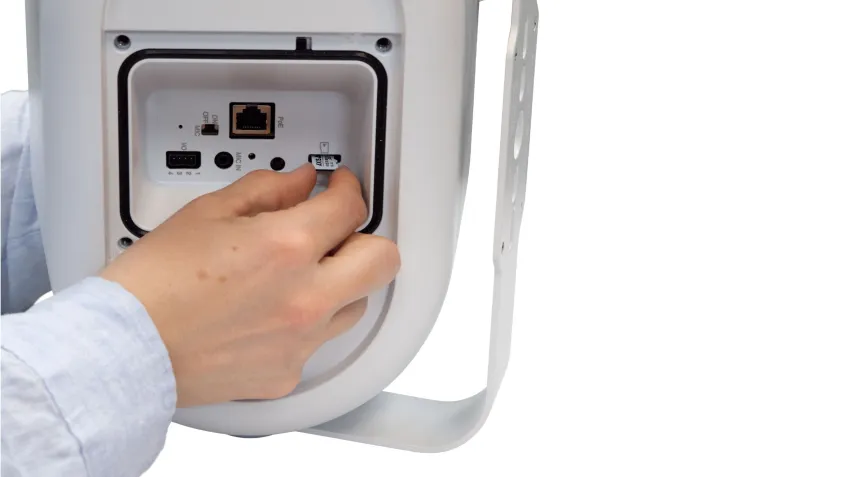
Edge storage can also capture video and associated data, such as radar-generated traffic statistics, for later analysis on a server. This can help organizations identify patterns, such as changes in vehicle volume or speed on a road near a school. Used this way, edge storage complements the wider surveillance system rather than replacing it.
Debunk myth #5: SD cards are a cheap accessory, not a strategic buy
Because some cameras include an SD card, it can be easy to view it as a basic accessory. But edge storage can contribute directly to a surveillance system’s performance, resilience, and operating costs.
As cameras and edge applications take on more demanding roles, the card needs to meet the workload. Choosing an unsuitable, low-endurance card may save money upfront but can lead to premature wear, recording gaps, or limits on the system’s capabilities.
The right card can also support a more flexible storage design. In a hybrid system, organizations can combine camera-based storage with servers or cloud storage to suit their retention, availability, and bandwidth needs.
Strategic use of edge storage may reduce reliance on central servers and the associated purchase, energy, and maintenance costs. Although surveillance-optimized cards can cost more initially, evaluating them as part of the system’s total cost of ownership, rather than as a standalone accessory, can help organizations make a more cost-effective choice.
Key features of a high-endurance surveillance SD card
High-endurance SD cards are designed to meet the demands of continuous video recording and frequent data overwriting. This section explores the key features that support reliable performance over time, helping you choose a card suited to your application.
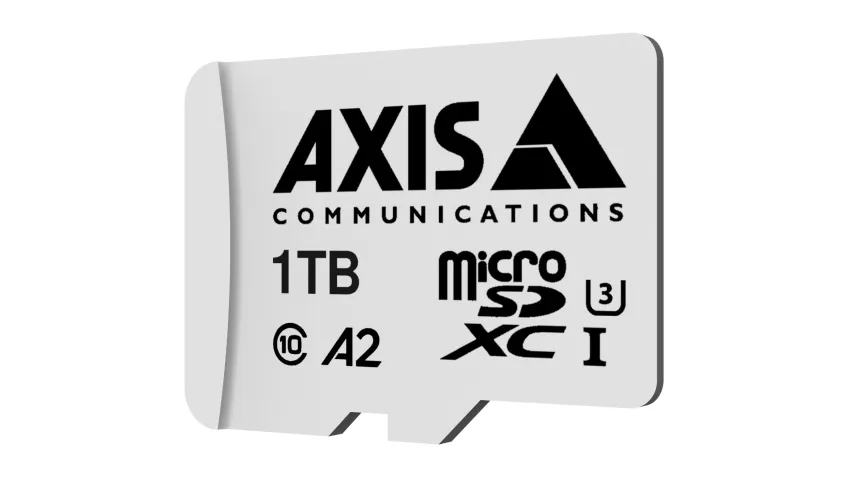
Get built-in health monitoring
Choose a surveillance-optimized SD card with health-monitoring support. The camera can help track card status and identify signs of wear, making it easier to plan maintenance or replacement before a card failure interrupts recording. Because recording happens locally, the camera can continue saving footage during an internet or network outage, provided it has power and the card is functioning.
Protect your data with on-device encryption
Some SD cards and cameras support encryption to protect footage stored at the edge. If a card is lost or removed, encryption can help prevent unauthorized access to its contents. Check that encryption is supported and enabled on your specific camera and card, and protect access with strong credentials and appropriate security settings.
Maximize retention time without losing quality
Match card capacity and endurance to the camera’s recording workload and the retention period you need. Resolution, frame rate, bitrate, recording schedule, and motion- or event-based recording all affect how much footage a card can hold. Use the camera’s storage estimates to plan settings and retention and avoid reducing image quality unless it is appropriate for the security task.
Own your video data completely
With local storage, recordings are held on the camera’s SD card, giving you direct control over where footage is stored and when it is transferred or accessed. This can support privacy and data-management requirements, while allowing edge storage to complement a server or cloud system.
It can also serve as the primary recording location where suitable. Define retention, access, export, and deletion policies for your system, and remember that local storage alone is not a backup.
How to choose the right SD card for your security camera
Start by checking your camera’s compatibility requirements, including supported SD card types, capacity limits, and any manufacturer recommendations. Choosing a compatible card helps ensure the camera can record and manage footage as expected.
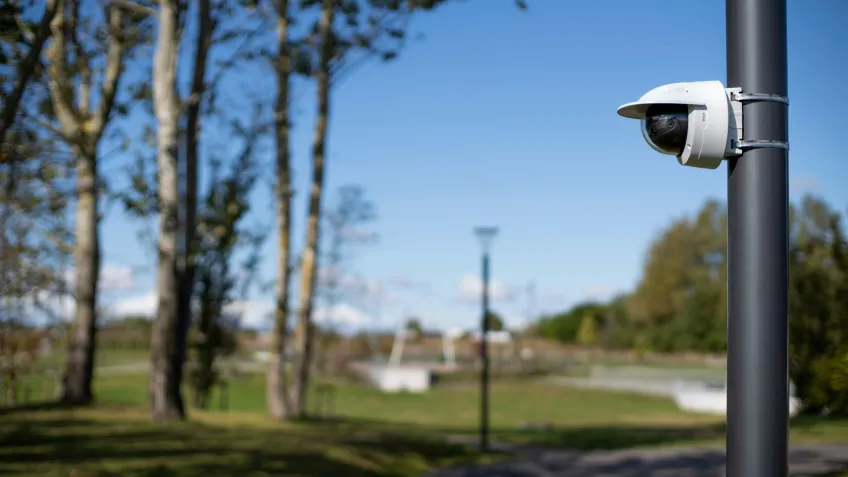
Also check your camera’s requirements for performance, speed, and endurance before choosing an SD card. The vendor’s design tools can help you find one that fits your setup and recording needs.
Next, determine how long you need to retain recordings. Retention depends on the card’s capacity and the camera’s settings, including resolution, frame rate, bitrate, and whether recording is continuous or triggered by motion or events. Use the camera’s storage estimates, where available, to help select a capacity that meets your needs.
For dependable recording over time, prioritize a high-endurance SD card designed for surveillance. Security cameras can write and overwrite video continuously, so a standard consumer card will wear out more quickly.
A surveillance-optimized card may cost more upfront, but its suitability for sustained recording can make it a better long-term value. Features such as card-health monitoring and encryption may offer additional benefits if supported by your camera.
FAQs
Read up on some of the most frequently asked questions.
What happens when the SD card is full?
It depends on the camera’s settings. Many cameras use loop recording, overwriting the oldest footage to make room for new recordings. Others may stop recording or notify you when the card is full. Check the camera’s settings and confirm the overwrite behavior suits your retention needs.
How long does a 128 GB SD card last in a security camera?
If you mean how much footage it can store, there’s no single answer. Retention depends on video resolution, frame rate, bitrate, recording schedule, and whether recording is continuous or event-based. Use your camera’s storage estimate to work out how long 128 GB will retain footage under your chosen settings. The card’s physical lifespan is a separate matter and depends on its endurance and recording workload.
Can I use any SD card for my security camera?
No. Check your camera’s compatibility list and capacity limits. For continuous recording, choose a high-endurance card designed for surveillance; a standard consumer card may wear out sooner under sustained writing and repeated overwriting.
Is an edge storage solution less secure than cloud cameras?
Security depends on how the system is configured and managed. A card stores footage locally, which can reduce reliance on transferring recordings over a network, but someone with physical access to the camera or card may be able to remove it. Use strong camera credentials, secure the device physically, and enable encryption if supported. Cloud storage also needs appropriate account, network, and provider security controls.
What is the best SD card for a 4K security camera?
Choose a high-endurance card that the camera manufacturer confirms is compatible and suitable for the camera’s recording demands. Consider the card’s capacity, endurance rating, and supported speed, and check the camera’s guidance for 4K recording. There isn’t one best card for every camera.
Can I access my footage remotely with an SD card camera?
Usually, yes, if the camera and your network setup support remote access. The footage is stored on the card, but you generally need a network connection to view or retrieve it remotely. Local recording may continue during an internet outage, while remote access may be unavailable until connectivity returns.
