

A common misconception surrounding security camera systems is the "set it and forget it" approach that can so often happen. However, for your system to continue functioning at maximum efficiency it requires consistent maintenance.
After all, the worst time to find out a recording failed or a lens was too dirty to capture an incident is when you need the footage the most. The reality is, without regular attention, even the most advanced surveillance systems can let you down.
This blog will explain why it’s so critical and offer a practical checklist to ensure your system remains a reliable asset that protects your people and property.
Why bother with regular security camera maintenance?
The simple answer is that neglecting security camera maintenance opens you up to a host of potential issues. While routine physical cleaning is your responsibility, technical services are ready to assist the moment you notice a problem with performance or configuration.
The sooner you react to a technical glitch, the better. Over time, unresolved software issues, network problems, or configuration drift can compromise your system's performance.
By contacting technical support as soon as an issue arises, you ensure your system continues to deliver clear, high-quality video. This proactive approach to problem-solving is essential for identifying critical details during an incident and extending the life of your equipment.
Your essential security camera maintenance checklist
Trying to do everything at once is surefire way to feel overwhelmed. Instead, we recommend breaking the tasks into weekly, monthly, and quarterly intervals. This approach ensures a structured and manageable process.
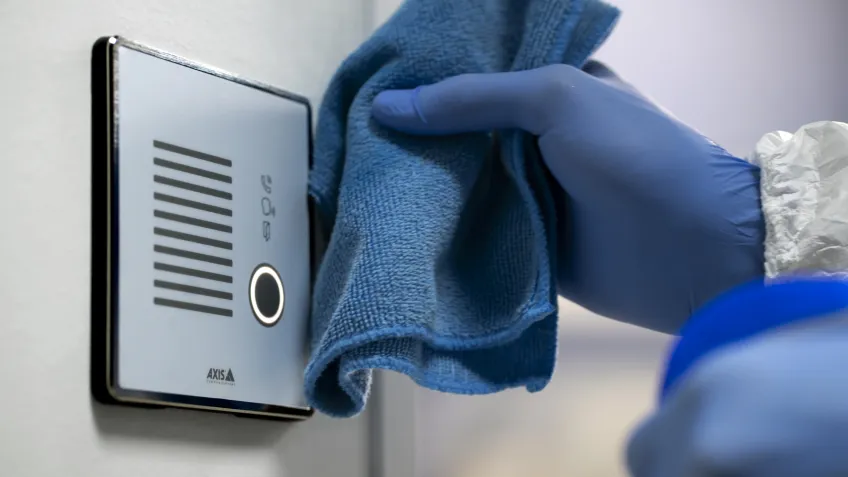
Use this checklist as your guide to building a simple, repeatable maintenance routine. These steps will help you maintain system health, from the camera lens all the way to the server room.
Perform these weekly checks
These quick inspections take only a few minutes but are your first line of defense against common problems.
Check for clear fields of view: Look at each camera’s live feed. Has a construction site been built? Has the camera been knocked out of position? Adjusting the view, through features like PTRZ, is a simple fix that ensures you are always recording the intended area.
Clean camera lenses and housing: A blurry image is often just a dirty lens. Use a microfiber cloth and an appropriate cleaning solution to gently wipe away dust, pollen, and grime from the camera’s lens and housing.
Verify cameras are recording: Log into your Video Management System (VMS) and confirm that all cameras are actively recording to their designated storage. A quick glance at the recording timeline can confirm that there are no gaps or errors.
Complete these monthly tasks
These more in-depth checks ensure the core components of your system are functioning correctly.
Inspect all wiring and connections: Visually inspect accessible cables for signs of wear, fraying, or damage. Exposure to the elements can cause them to degrade. A loose connection at the camera or the recorder can cause intermittent video loss, so make sure everything is secure.
Test motion detection and alerts: Walk through the detection zones of your cameras to confirm that they trigger an event and send an alert as expected. This test verifies that your automated security rules are working, so you don’t miss an important notification.
Review and archive important footage: Review recorded events and decide what needs to be archived for long-term retention. This could be footage related to a specific incident. Deleting unnecessary recordings will free up valuable storage space.
Check lighting for night vision: As light fades, verify that the camera’s infrared (IR) illuminators turn on and provide a clear black-and-white image. If the nighttime view is dark or grainy, external lighting sources may need to be adjusted or repaired.
Conduct this quarterly system audit
A deep dive every few months keeps your system secure and optimized for long-term performance.

Update all firmware and software: Manufacturers release firmware updates to patch security vulnerabilities, fix bugs, and sometimes add new features. Check for and install the latest updates for your cameras, recorders, and VMS. This is one of the most important steps to protect your system from cyber threats and something that can be done through managed services.
Inspect camera housing for damage or corrosion: Take a closer look at the camera's enclosure, especially those exposed to harsh weather. Check for cracks or signs of water intrusion. Replacing a damaged seal is much cheaper than replacing a water-damaged camera.
Test backup power supplies: If you have an uninterruptible power supply (UPS) for your system, simulate a power outage to ensure it provides immediate backup power to your cameras and recording equipment. This ensures your surveillance continues uninterrupted, even during an outage.
Re-evaluate camera positions and angles: Has the layout of your property been altered? Is there a new high-value area that needs better coverage? Walk the site and consider if any cameras should be repositioned to better meet your current security objectives.
Common problems to look for during maintenance
During your checks, you might run into a few common issues. Here’s a quick troubleshooting guide to help you identify the cause and find the solution.
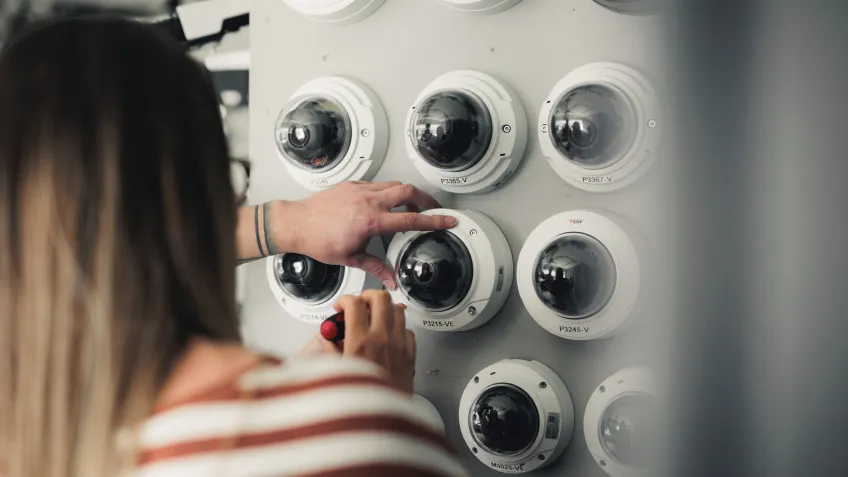
Fix blurry or poor-quality video
A blurry image is often the easiest problem to fix. It's usually caused by a dirty lens, so a thorough cleaning is the first step. If that doesn't work, check if the focus has been manually or accidentally adjusted.
In some cases, condensation inside the housing can be the culprit, which may point to a failing seal that needs replacement.
Resolve intermittent camera disconnections
If a camera feed drops in and out, the problem is almost always related to a connection or power issue. During your monthly checks, inspect the full length of the cable for damage. A loose connection to the camera or the network switch is a common cause.
For wireless cameras, signal interference from other devices or physical obstructions could be to blame.
Address gaps in your recording history
If you notice gaps in your recording timeline, first confirm that the camera is powered on and connected to the network. Next, check your VMS settings to ensure the recording schedule is configured correctly.
If the settings are right, the issue may be with the hard drive or storage server, which could be full, failing, or disconnected.
Reduce false motion detection alerts
False motion alerts are a common annoyance that can cause you to ignore a real event. To fix this, log into your system and adjust the sensitivity of the motion detection settings.
You can also refine the detection area to exclude public sidewalks or other high-traffic areas, ensuring you only get alerts for genuine events in your zone of interest.
Tackle environmental challenges
Heavy rain, direct sunlight, and extreme temperatures can all affect performance. Ensure your cameras are rated for your climate (e.g., IP66 or higher for weather resistance).
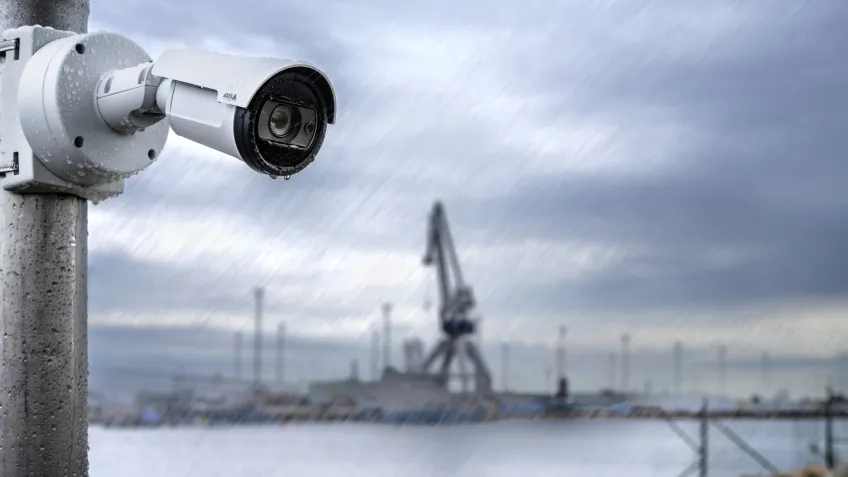
Sometimes, adding a camera shield to block sun glare or repositioning a camera to be less exposed to the elements can make a significant difference. They are easy to install and maintain but ensure you get the right shield for your needs.
Prevent tampering and physical damage
Cameras in accessible areas are vulnerable to being tampered with or vandalized. During your inspections, check for any signs that a camera has been moved, covered, or damaged. For high-risk locations, consider using dome cameras, which are designed to withstand significant impact.
DIY vs. professional security camera maintenance
Deciding whether to handle maintenance yourself or when to hire a professional depends on the complexity of your system and your own comfort level with the technology.
For a small system with just a few cameras, DIY maintenance is often perfectly manageable. Weekly and monthly tasks, such as those we mentioned previously, are straightforward for most users. As long as you feel comfortable navigating your system’s software to check settings and updates, you can keep your cameras in great shape.
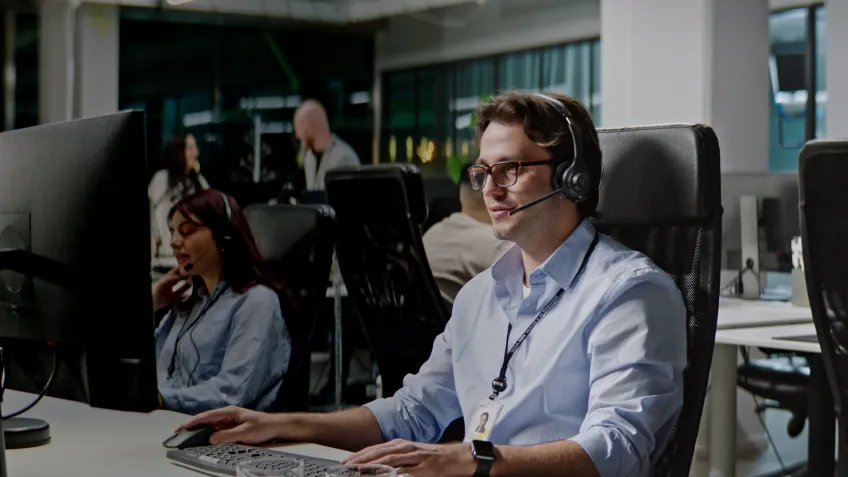
However, for large, commercial systems with dozens or hundreds of cameras, professional maintenance is the smarter choice. Technical service experts have the knowledge to troubleshoot complex network issues, manage server-based storage, and safely access hard-to-reach cameras.
If you find yourself dealing with issues beyond your technical know-how, such as persistent connection problems or firmware update failures, contacting a technical services professional will save you time and ensure the job is done right.
Conclusion
Consistent security camera maintenance is not a complicated process, but it is a critical one. By following a simple, structured checklist, such as the one we have covered in this blog, you can ensure your video surveillance system operates reliably, for longer.
Whether you handle it yourself or call a professional, take those important, proactive steps in monitoring your system's health. Don’t wait until it’s too late or become too expensive. By taking care of your systems, they will take care of you.
FAQs
Is there something you haven’t answered? Here are some of the most commonly asked questions we get about security camera maintenance:
How do I clean a blurry security camera lens?
First, use a can of compressed air to blow off any loose dust or debris. Then, gently wipe the lens with a clean microfiber cloth, using a cleaning solution approved for camera lenses if needed. Never use harsh chemicals or abrasive materials, as they can permanently damage the lens.
What should I do if my security camera is not recording?
Start by checking the camera’s power and network connections. Log into your VMS to confirm the camera is online and that the recording schedule is correctly configured. If the settings are correct, check the available storage space on your recorder or server.
How long do security camera systems typically last?
The lifespan of a security camera system depends on the quality of the components and the environment they operate in. On average, a well-maintained commercial-grade camera can last from 5 to 10 years. Key components like hard drives in recorders typically have a shorter lifespan of 3 to 5 years and should be monitored for signs of failure.
Does weather affect security camera performance?
Yes, absolutely. Rain and snow can obscure the view, direct sunlight can cause glare or overheating, and extreme cold can affect internal components. Using cameras with a high IP rating (for water and dust resistance) and a wide operating temperature range is essential for reliable outdoor performance.
How do I know if my security camera firmware is outdated?
Log into your camera’s web interface or your VMS. There is typically a system information or maintenance section that displays the current firmware version. You can then visit the manufacturer’s website to see if a newer version is available for download. Many modern systems will also automatically notify you when updates are available.

